Ich habe die übersetzten Beiträge mal in neue Themen direkt in die dt. Newssektion verschoben. Vielen Dank @bonkerman0 für die Übersetzung! ![]()
Posts by red51
A small new update is available now!
-
-
This is a smaller update. First of all, we are sorry for having caused login problems for some people during the last two hours. We were updating our HIVE to increase security and also to fix some of the "no authentication possible" messages (need feedback).
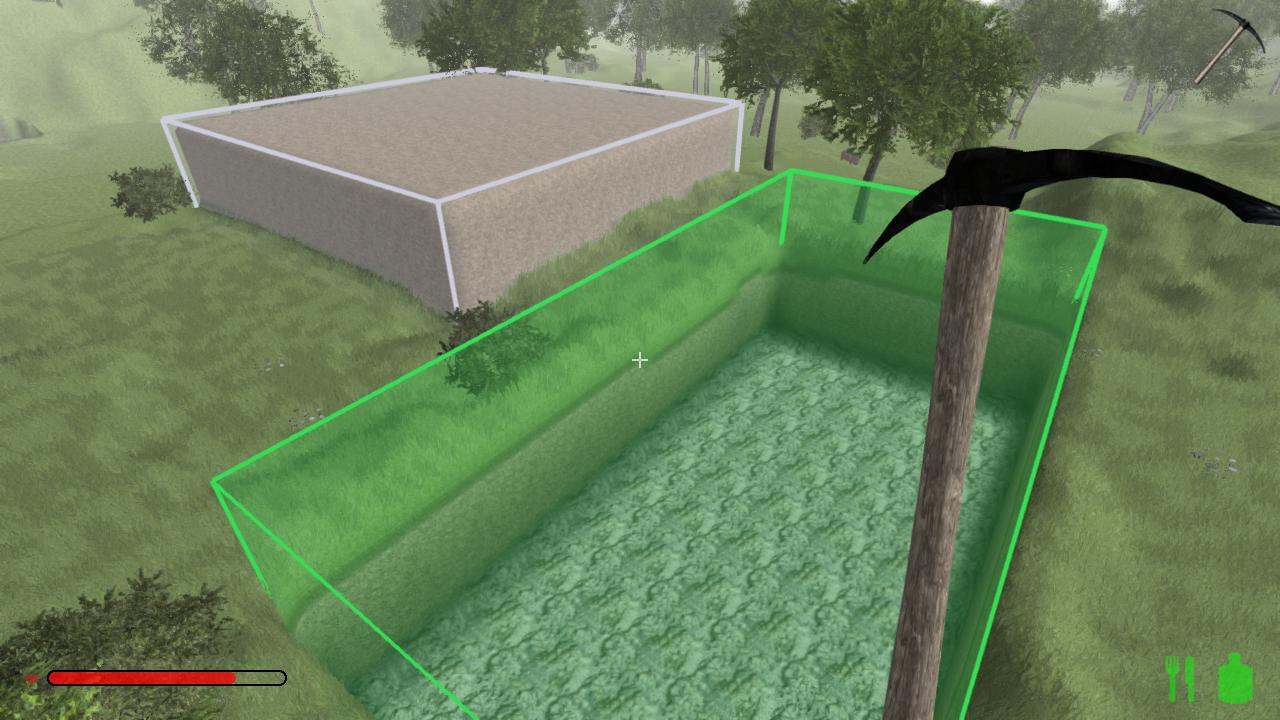
Apart from that, we have now our new AreaProtection example script ready. It now protects blocks, terrain, objects, constructions, vegetations, and also prevents other players to open doors or steal items out of chests inside your protected area. Another important change is that all permissions are now saved after a restart.
You find the new script here: Example script: AreaProtection
Last but not least we also did some smaller changes, e.g. we increased the droprate for saplings, and also added a detection for insufficient or outdated graphics adapters (e.g. old Intel HD etc.).
Expect new content for the next update!

____________________________________________________
Changelog:- [New] New HIVE verification, offering higher security and should fix most of "no authentication possible" messages (need feedback)
- [New] Detection for insufficient graphics adapter (<= Intel HD 3000)
- [New] Detection when required ports are already in use
- [New] New LUA objects: Chest, Inventory, Item
- [Change] Increased sapling droprate
- [Change] Adjusted controls settings screen, "zoom" key can now be changed directly
- [Change] "hud" command no longer affects console now
- [Change] Changed optional launch parameters for dedicated server (example: maxplayers=64 serverip=0.0.0.0 serverport=4255)
- [Bugfix] Fixed wrong textposition for infoboxes (when receiving a group invitation)
- [Bugfix] Fixed strange crouching behaviour
- [Bugfix] Fixed LUA "ChestItemDrop" event, when it is cancelled, the clientside created item will be deleted now
-
Vielen Dank für die Info, das hilft uns bereits weiter

Zum Areaprotection Script: Asche über unser Haupt, dass es noch nicht draußen ist
Es bedurfte leider ein paar Änderungen am Spiel selber (neue Events für LUA), damit es so funktioniert, wie wir es uns vorstellen. Es kommt daher nachher (vll in 1-3 Stunden) zusammen mit einem kleinen Spielupdate heraus 
-
Freut mich zu hören!
Kannst du mir vielleicht sagen, um was für eine Intel HD es sich handelte? Wir planen fürs nächste Update eine automatische Erkennung, und es ist interessant zu wissen, um welche es sich genau handelt (scheinbar keine HD 3000, da nur OpenGL 2.1 oO).
Alternativ kannst du uns ggf. auch deine CPU nennen?
-
Glad to hear it's working now!

-
Das ist ein Fall für @lucien.schuenke, er kann bei Mac Problemen weiterhelfen
Er wird sich hier melden. -
Wenn server_hive_verification auf true ist, kann der Adminname nicht ausgenutzt werden

-
When using hamachi it's basically the same as if you would play via local network

-
Weird problem
Haven't seen it before... Can you perhaps try to update your graphics drivers? -
What JDK Version did you install? Was it "jdk-8u25-macosx-x64.dmg"?
Otherwise, is there an errorlog or hs_err_pid file in your game directory? Are you using the Steam version or Standalone?
Otherwise @lucien.schuenke can help you about Mac issues, he will reply to you soon

-
Unfortunately it is not sufficient to forward the ports in your windows firewall only. You need to set this up in your router, otherwise, no external connection is able to communicate with your computer through these ports.
If you want to host a game, you could use hamachi or tunngle instead
-
gibt es auch die Möglichkeit Setzlinge zu spawnen, also junge Tannen und Bäume?
Und wenn ja , welche Namen haben die, mit den Nummern haut das nach dem letzten Update nicht mehr hin.
Die gesuchten Items heißen "maplesapling" und "pinesapling"
-
All servers should be there. Maybe your firewall is blocking the connection?

-
Sorry für die späte Antwort! Wenn keine Info Datei vorhanden ist, solltest du mal probieren, das Spiel neu zu installieren. Vorher am besten die Spiel den kompletten Ordner löschen und dann über Steam neu installieren.
-
-
@Turbo614 is right: The game only recognizes your Intel HD graphics card. If you have a secondary graphics card, you need to assign it manually to the game (can be done in the NVIDIA/Catalyst control center). Otherwise, if the Intel HD is your only adapter, you need to update your driver

-
The OS X system should be able to run the game. The graphics adapter meets the minimum requirements, but a recent driver version should be installed. As @Geneo stated, it's far from perfect. But when reducing the graphics settings (especially disable SSAO and Lightscattering, both are performance killers) and reducing the view distance it should be fine.
The Ubuntu system most certainly does not work, the CPU isn't the problem I guess, it's more likely the graphics adapter which is insufficient

-
physical debris-off<<<<just stops those broken chunks from glitching periodically
What do you mean exactly?.....also i forgot to mention that one of these settings fixed a issue where i'd have to try multiple times(usually),to move items from my inventory to chests etc. and vice versa
Hmm... only way I could explain that is that one setting caused lower fps, and the lower the fps, the more "sluggish" works the drag&drop............those settings on the right.....what do they do exactly?
Lightscattering: This creates these god rays from the sun, Quality determines the amount of samples (the more samples, the nicer the effect, but the more work for your graphics card). Pretty expensive effect.
Lightglare: This creates the effect of getting dazzled by other players flashlights
Physical debris: Enables all kind of debris when breaking terrain/blocks/items
Ambient Occlusion (SSAO): Enables these "fake shadows" at occluded locations (especially visible in corners etc.). Pretty expensive effect.
Grass Masking: Is responsible for not letting grass be visible through objects and items. Can be expensive on some computers.
FXAA: Post processing anti-aliasing.
Refractions: Refraction effect for glasspanes
Depth of Field: Causing distant scene getting blurry
Environment mapping: Not used yet
Specular lighting: Specular highlighting (bright spots on surfaces when it is illuminated)
Triplanar LOD Mapping: Makes textures for for distant chunks not look "stretched" on clifs -
But keep in mind: You can't be 100% sure if it is really a player with a cracked version

We can add an admin command for the next version to query the IP address of a player. -
Danke für die Info! Kannst du bitte mal "+debug" (ohne Anführungszeichen) als Startparameter festlegen (Rechtsklick auf Rising World in Steam -> Eigenschaften -> Start Optionen festlegen)? Dann das Spiel starten und den Inhalt des Konsolenfensters (welches direkt beim Spielstart auftaucht) mitteilen?