


Yes, mining helmets are in the works and will be available with the next player models  https://images.rising-world.net/preview/playermodels/02.jpg
Posts by red51
-
-
Thanks @Minotorious
About the webadmins, unfortunately there can only be one webadmin at the moment -
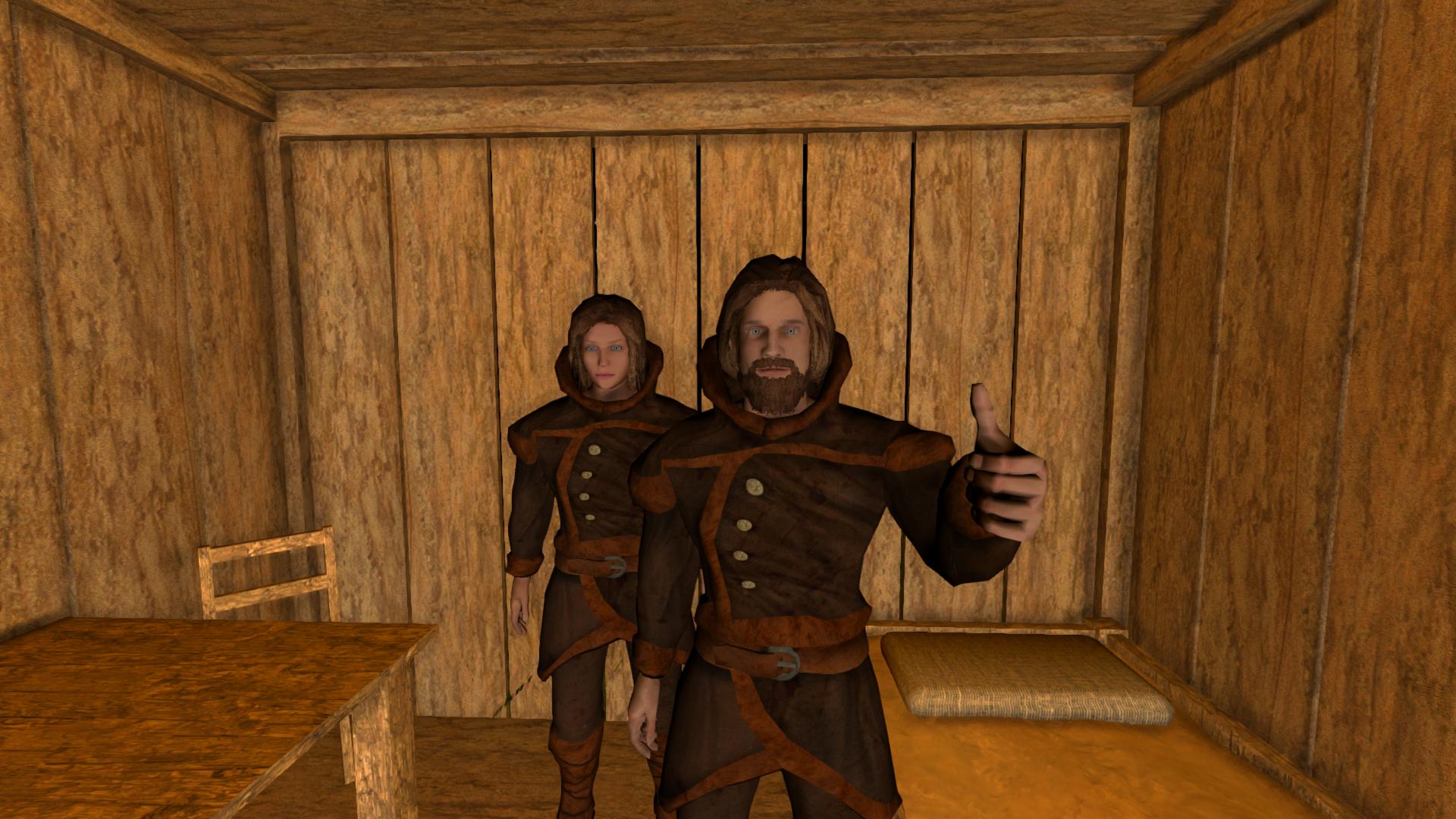
Hi folks! We are happy to present the first screenshots of the upcoming player models. All models and animations were made from scratch.
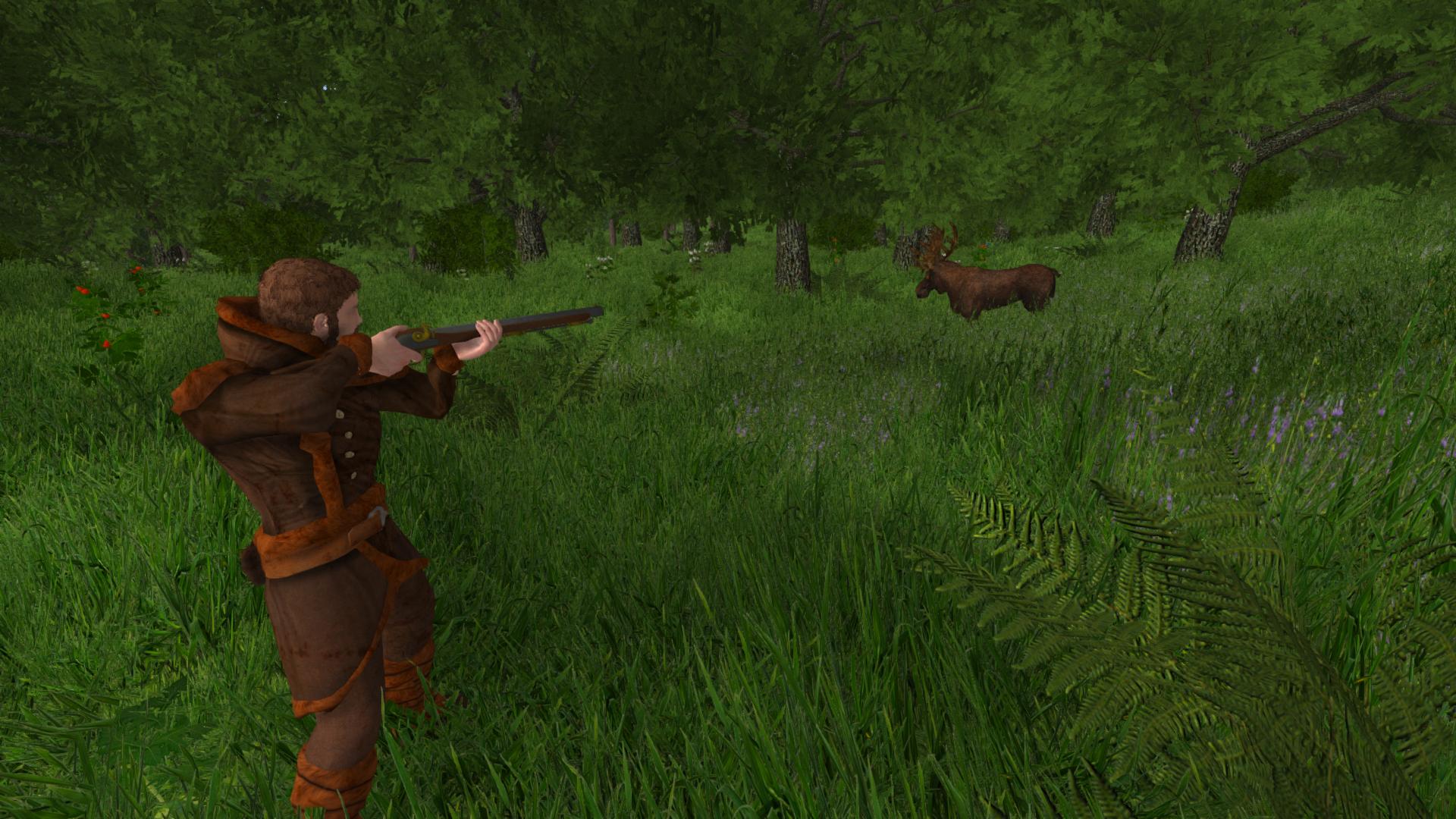
We have prepared a male and a female character as well as lots of different clothes (medieval and modern ones). The models will be customizable, i.e. you can change your skin color, haircut, facial hair etc.
The upcoming update will also introduce several new items, including new tools and ranged weapons like bows and a musket.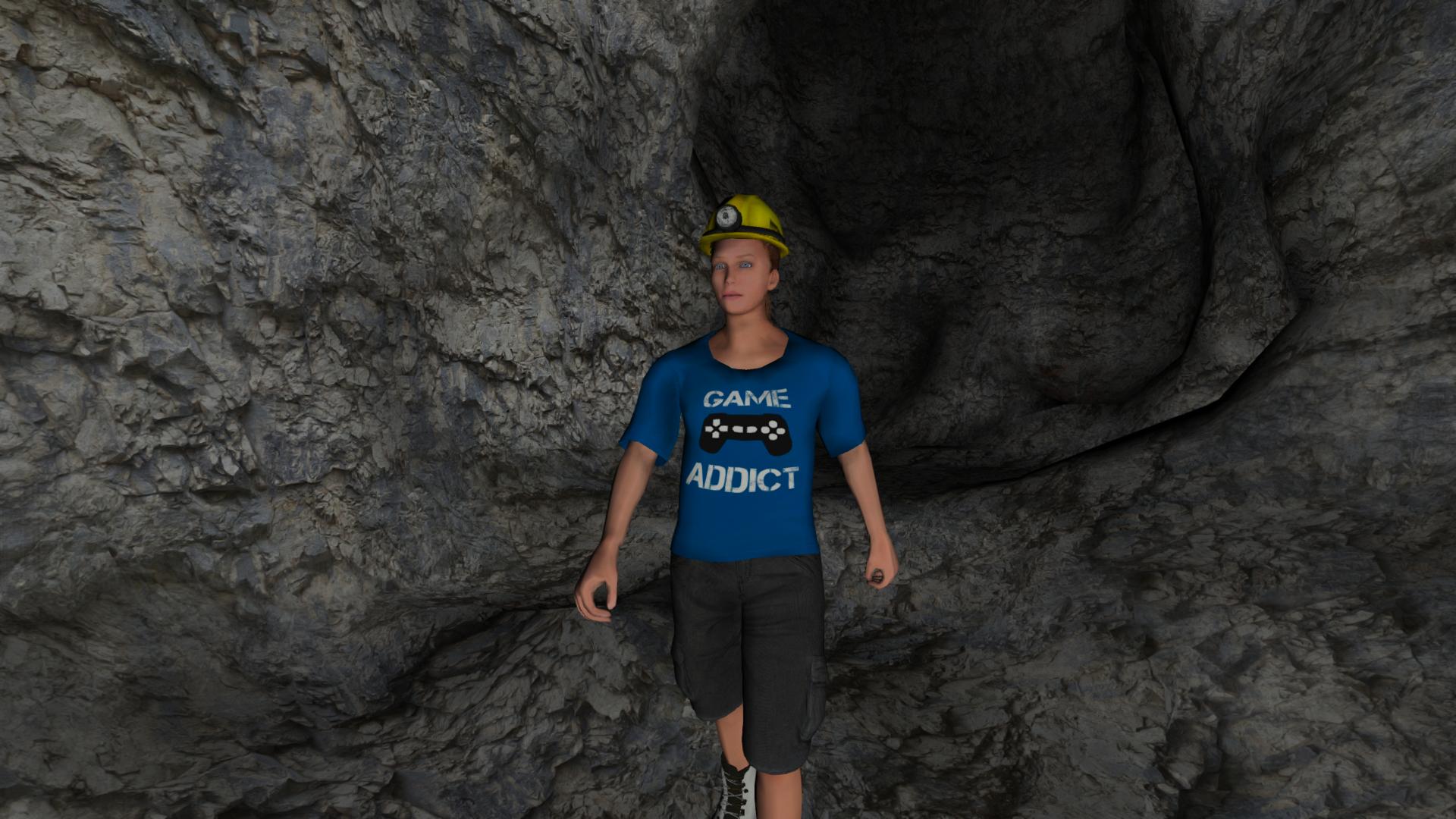
But the most important aspect will be the fact that this update will serve as a foundation for several future survival features, which will be added in subsequent updates.
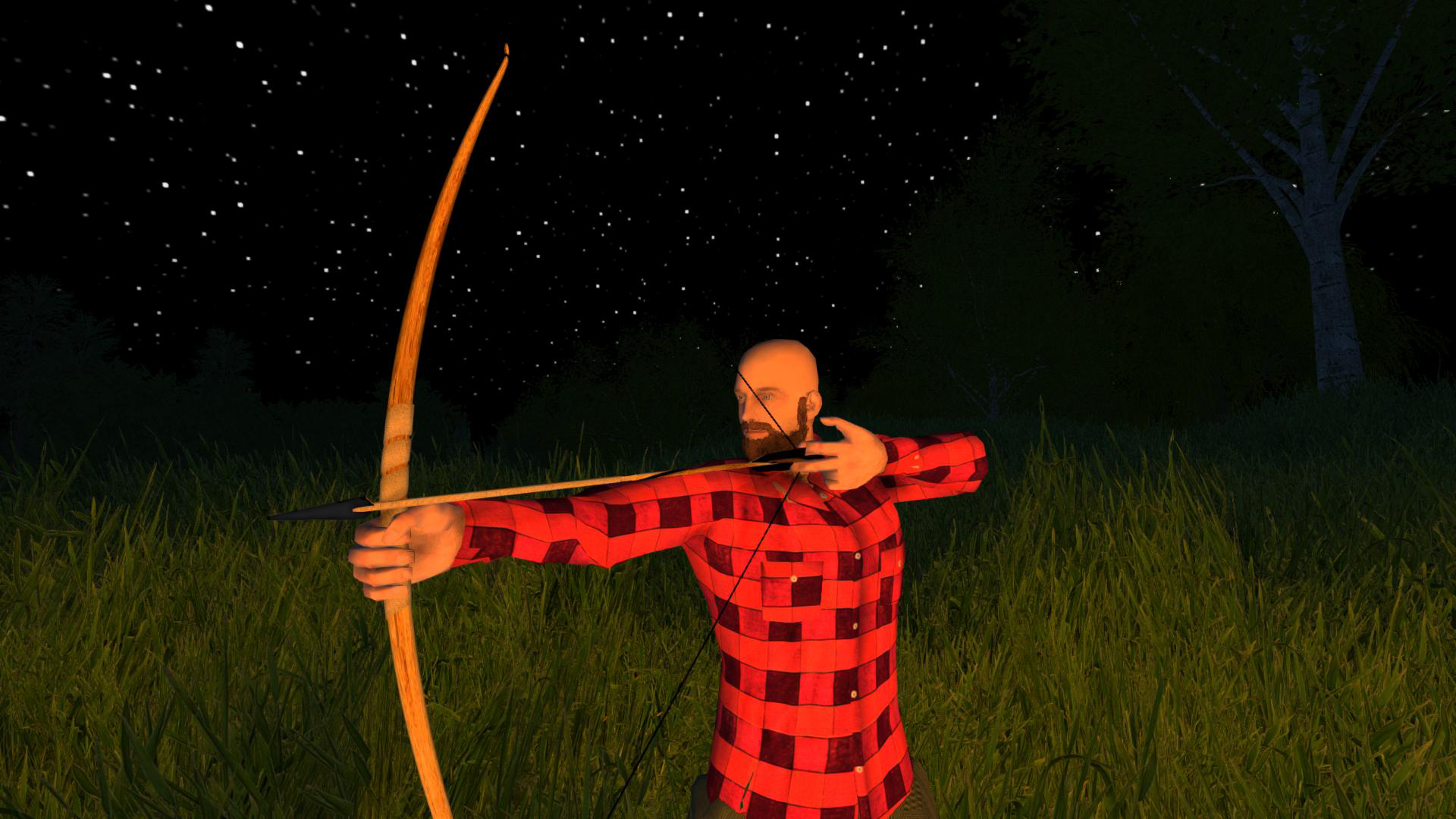
The models still need some adjustment, especially when it comes to the animation part. We also have to rework some of the ingame mechanics in order to handle the new player models properly (e.g. proper syncing of the customized characters in multiplayer, ability to change clothes, armor etc). We can't say for sure when the update will be ready, hopefully it won't take too long, but we try to get it ready as soon as possible.
Maybe we will split this big update into several smaller updates.
Last but not least we also want to announce that our stats page is practically finished. This page gives you an overview of the various multiplayer servers, i.e. amount of online players, average player count etc. Server owners are able to customize their server overview page (e.g. add a custom description, custom screenshots etc) by adding their name as "webadmin" in the server.properties file.
Expect the stats page to be available in the next few days: https://stats.rising-world.net
-
Hallo Leute! Wir freuen uns die ersten Screenshots der kommenden Spielermodelle zu präsentieren. Alle Modelle und Animationen wurden von Grund auf neu erstellt.
Wir haben eine männliche und weibliche Spielerfigur vorbereitet sowie viele verschiedene Kleidungsstücke. Die Figuren werden anpassbar sein, d.h. es kann die Haut- und Haarfarbe, Frisur, Gesichtsbehaarung usw. geändert werden.
Das kommende Update wird außerdem mehrere neue Items einführen, unter anderem neue Werkzeuge und Fernkampfwaffen, wie zB Bögen und eine Muskete.Der wichtigste Aspekt jedoch wird die Tatsache sein, dass dieses Update als Fundament für mehrere künftige Survival Features dienen wird, welche in den nachfolgenden Updates implementiert werden.
Die Modelle benötigen immernoch etwas Anpassung, besonders wenn es um die Animationen geht. Wir müssen zudem einige der Spielmechaniken umschreiben, damit diese die neuen Spielermodelle berücksichtigen und korrekt damit umgehen (u.a. korrekte Synchronisierung des Aussehens im Multiplayer, die Möglichkeit sich umzuziehen, Rüstungen anzulegen etc).
Wir können nicht genau sagen, wann das Update verfügbar sein wird, hoffentlich dauert es aber nicht mehr all zu lange. Wir versuchen, das Update so schnell wie möglich zu veröffentlichen.Eventuell wird das Update aufgrund seines enormen Umfangs auf mehrere Updates aufgesplittet.
Zum Schluss möchten wir noch verkünden, dass unsere Stats-Seite so gut wie fertig ist. Diese Seite bietet einen Überblick über die verschiedenen Multiplayer Server, wie zB die Anzahl der Online-Spieler, durchschnittliche Spielerzahlen etc. Serverbesitzer werden in der Lage sein, die Übersichtsseite ihres Servers anzupassen (zB eine eigene Beschreibung oder eigene Screenshots hinzufügen), indem sie sich als Webadmin in die server.properties Datei eintragen.
Die Stats-Seite wird in wenigen Tagen verfügbar sein: https://stats.rising-world.net
-
Thanks for letting us know, glad to hear the issue is solved now

-
This means the OpenGL driver crashed. Basically this may have two possible reasons: Either the driver is erroneous, or there is a hardware issue (e.g. a temperature issue). Most likely it's a driver issue. Even though the NVIDIA drivers have very good OpenGL support, there is always a chance that a certain driver version contains some bugs (especially very old and brand new drivers may be partly broken).
What graphics card do you have exactly? Please try to download and install the latest NVIDIA driver for your graphics card. If there is already the latest NVIDIA driver installed, please rollback to a previous driver version instead. -
There will be a preview in the next days
There are indeed some aspects which slow down development of this update: on the one hand, it's going to be a huge update, it contains lots of new items, clothes, new animations and new mechanisms. Some parts of the game need to be reworked for the new stuff, e.g. while the game previously just used some basic animations for first person view, we now have to go much more into detail to cover all the different and individual animations now. On the other hand, there are a lot of existing items which need to be updated now (again, especially the first person animations are a lot of work), in fact this takes longer than adding new ones

Last but not least the previous update kept us quite busy (last hotfix was on 6th of May, so we weren't really able to focus on the player models before)...I'm thinking about splitting this update into several parts, this would make some parts available earlier, and also bugfixing would be easier
It's always a pity if updates take "too long", especially since this also holds back other changes and bugfixes that were done in the meantime, but in this case I'm sure that the result will be worth it.There are also some other preparations going on, i.e. things which eagerly wait for the new models/items/animations (e.g. a full rework of the crafting recipes), but that's a different story

-
@Minotorious: The error indicates that the converter wasn't able to connect to the MySQL server. Is there actually a MySQL server running on the same machine (127.0.0.1:3306)? Does it contain a database (in your case "Editortest")? The converter does not create a new database, so you have to create an empty database first.
-
Im Singleplayer gibt es leider keine Einstellmöglichkeit... wir können das aber für das nächste Update hinzufügen (wobei sehr lange Undo-Zeiten mit etwas Vorsicht zu genießen sind)
Bzgl. der Zeit, diese kann im Singleplayer mithilfe der config.properties Datei und dem Wert game_time_speed analog zu der Servereinstellung geändert werden. -
Thanks for the log file! What graphics card do you use exactly?
This error looks like an internal Java or Windows error... make sure to install the latest Windows 10 update. Maybe it's also worth a try to delete all game files and re-download them via the launcher.I've also added another executable, please find it attached (just download and extract it into your game directory, then run the game through this file). It allocates more RAM to the game (which is definitely preferable), that may help.
If you still run into the same error, please let me know
-
@Minotorious and @MarcosRC: Hmm... it looks like the lib files were missing
 Sorry about that, please redownload the converter, now it should contain all required libs. If it still does not work, make sure that the program has read and write permission for the Temp folder.
 -
Die Undo-Zeit kann tatsächlich in den Permissions eingestellt werden. Dort muss einfach für blueprints der Wert undotime gesetzt werden (in Sekunden):
Wegen der Tageszeit kann in der "server.properties" Datei der Wert settings_time_speed angepasst werden. Dieser Wert gibt an, wieviele Echtzeit-Sekunden eine Ingame-Minute dauert (standardmäßig 1.75 Sekunden). Würde man einen Wert von 60 setzen, würde eine Ingame-Minute exakt 60 echte Sekunden dauern (Realtime)
-
In den nächsten Tagen werden wir eine Ankündigung veröffentlichen und bzgl. der Stats-Seite Tacheles reden
-
Mit dem nächsten Update wird es möglich sein, Poster am Raster auszurichten und eventuell auch sie manuell zu verschieben (fixieren)
-
Sorry for losing sight of the world converter
 It took way too long, but now a new version of the converter is available (compatible for version <=36): https://download.rising-world.net/tools/converter.zip
Please keep in mind that you can't go back to SQLite after converting the world to MySQL. -
When the game crashes, you should get an error message which provides information about what went wrong exactly. If you encounter crashes, this is most likely caused by outdated graphics drivers (especially when using old AMD/ATI drivers, or when running the game on an integrated Intel HD graphics adapter).
Please post the error message you get here (or alternatively have a look for a file called "errorlog" or "hs_err_pid" in your game directory, if there is such a file, please upload it here) -
Unfortunately it's not always possible to revert your world and go back to an older save. The cache folder only contains some of the world data, usually just information about the world generation, i.e. it contains no information about the buildings etc.
The only place which contains world data is the hidden ".backup" folder in your World directory. The worlds are only saved there when a new update arrives which changes the world generation (or anything which requires a world conversion). You could only use these worlds if they're not too old (otherwise it might not work), also keep in mind that these worlds do not contain any image data, so it would be necessary to copy the "customImages" folder of your current world. Basically the intention of the ".backup" folder is just to have a "fallback" in case a world conversion (for a new update) goes wrong (so your world isn't lost). -
Sorry für meine späte Antwort! Ich habe die Zeichenlimitierung jetzt auf 50.000 Zeichen pro Beitrag hochgesetzt, das sollte i.d.R. ausreichen
-
Thanks for letting us know, this will be fixed soon
-
Das mit den Setzlingen stimmt, mit dem nächsten Update wird die Mindestanzahl an Setzlingen, die man von den Akazien erhält, erhöht, sodass man zumindest immer was erhält.
Die Sichtbarkeit im Gras ist natürlich so eine Sache. Wichtig ist, dass in den Grafik-Einstellungen "Grasverdeckung" aktiviert ist, sonst sind Gegenstände im Gras noch schwieriger zu erkennen.Hinsichtlich des Gras wird es bald auf jeden Fall noch Savannengras geben (welches man logischerweise dann auch wieder anpflanzen kann, genau wie das normale Gras). Momentan ist das Savannengras ansonsten leider nur im Creative-Modus verfügbar.

