Hi Leute,
endlich ist die neue Version bereit! Das bedeutet, dass sie nicht länger in einem separaten Beta-Branch ist, und dass wir auch entsprechend die Storepage aktualisiert haben.
Wenn du bereits die neue Version spielst, oder falls du weiterhin die alte Java Version spielen möchtest, findest du weitere Informationen am Ende dieses Beitrags.
Wir haben die letzten Jahre damit verbracht, das Spiel von Grund auf neu zu schreiben und die Engine zu wechseln. Dabei wollten wir das Spiel nicht einfach 1:1 portieren, sondern haben uns entschlossen, die Gelegenheit zu nutzen, die meisten Spielmechaniken zu überarbeiten - vor allem jene, die in der alten Version nicht besonders toll waren.
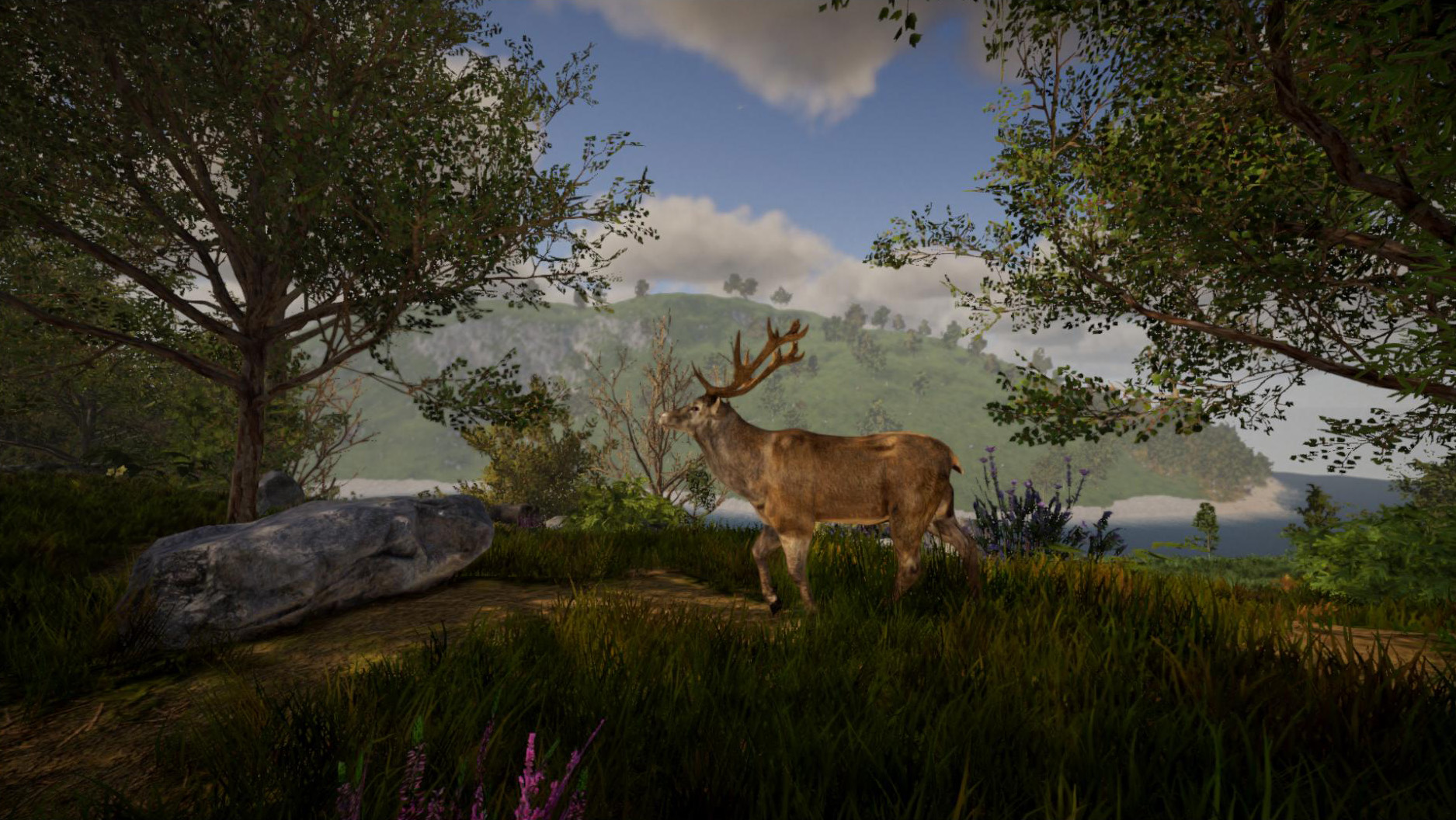
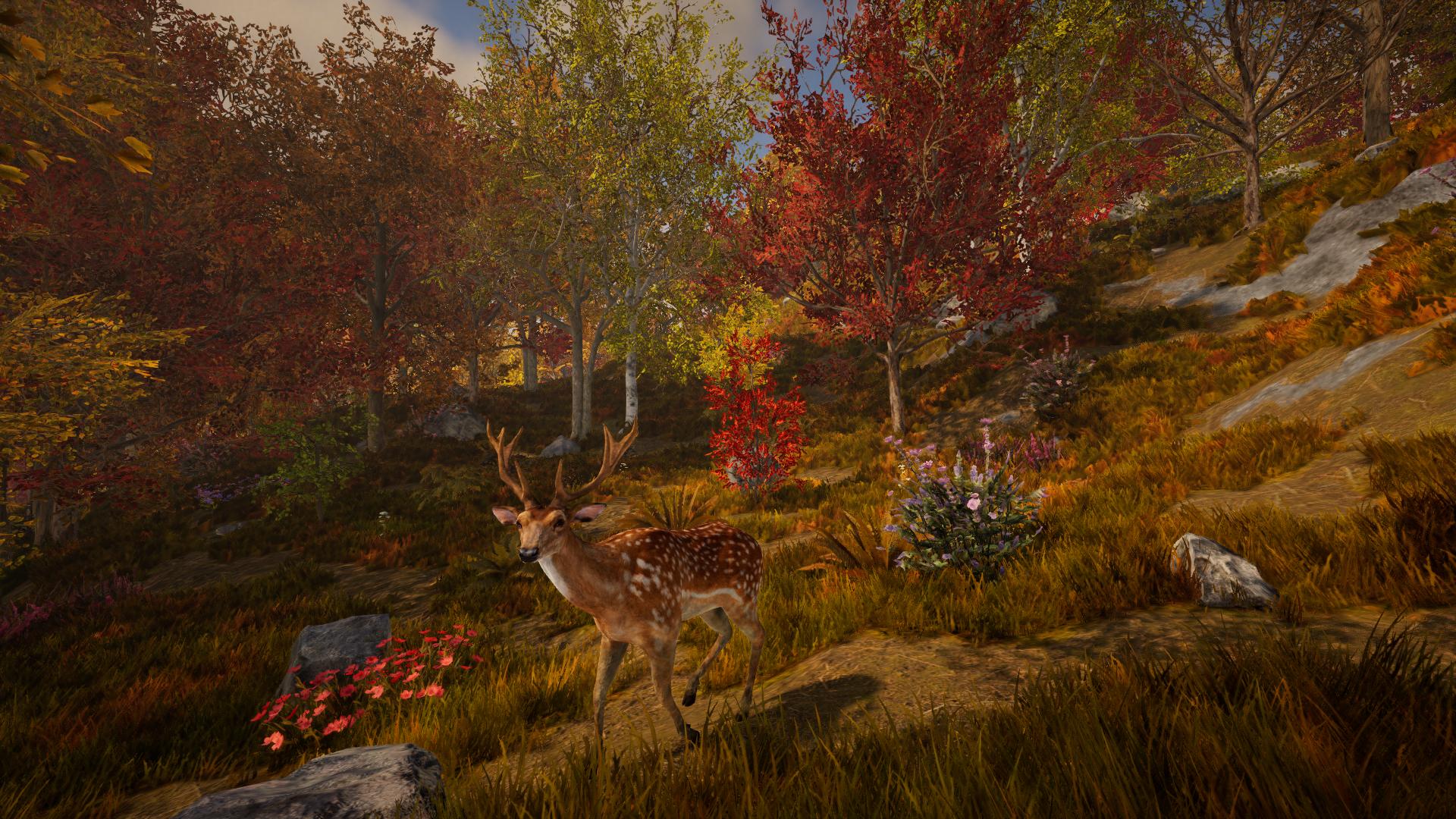
Die neue Version bietet nicht nur bessere Grafik und bessere Sounds, sondern generiert auch deutlich glaubwürdigere und immersivere Landschaften. Außerdem haben wir die meisten Features deutlich aufpoliert.
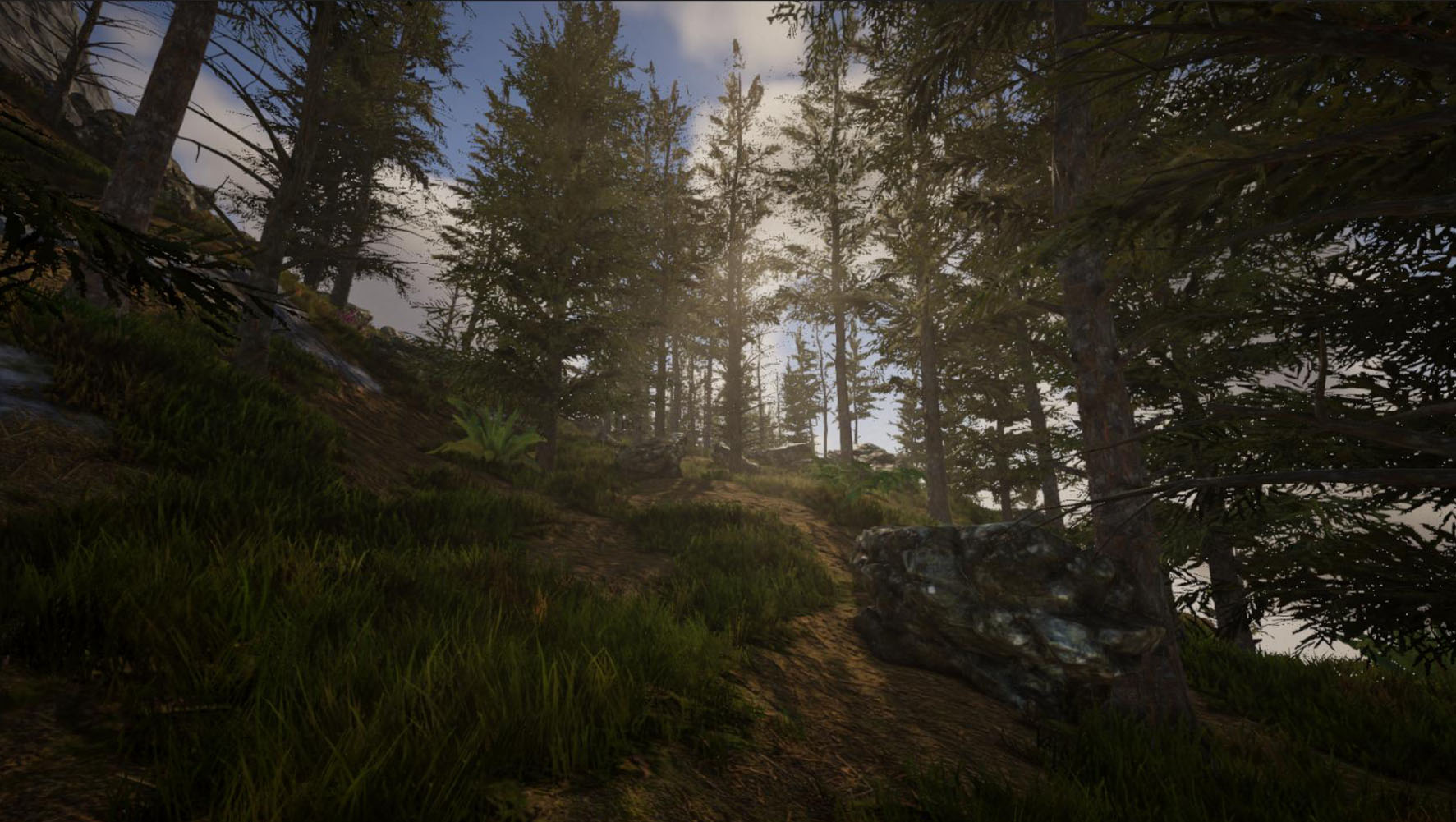
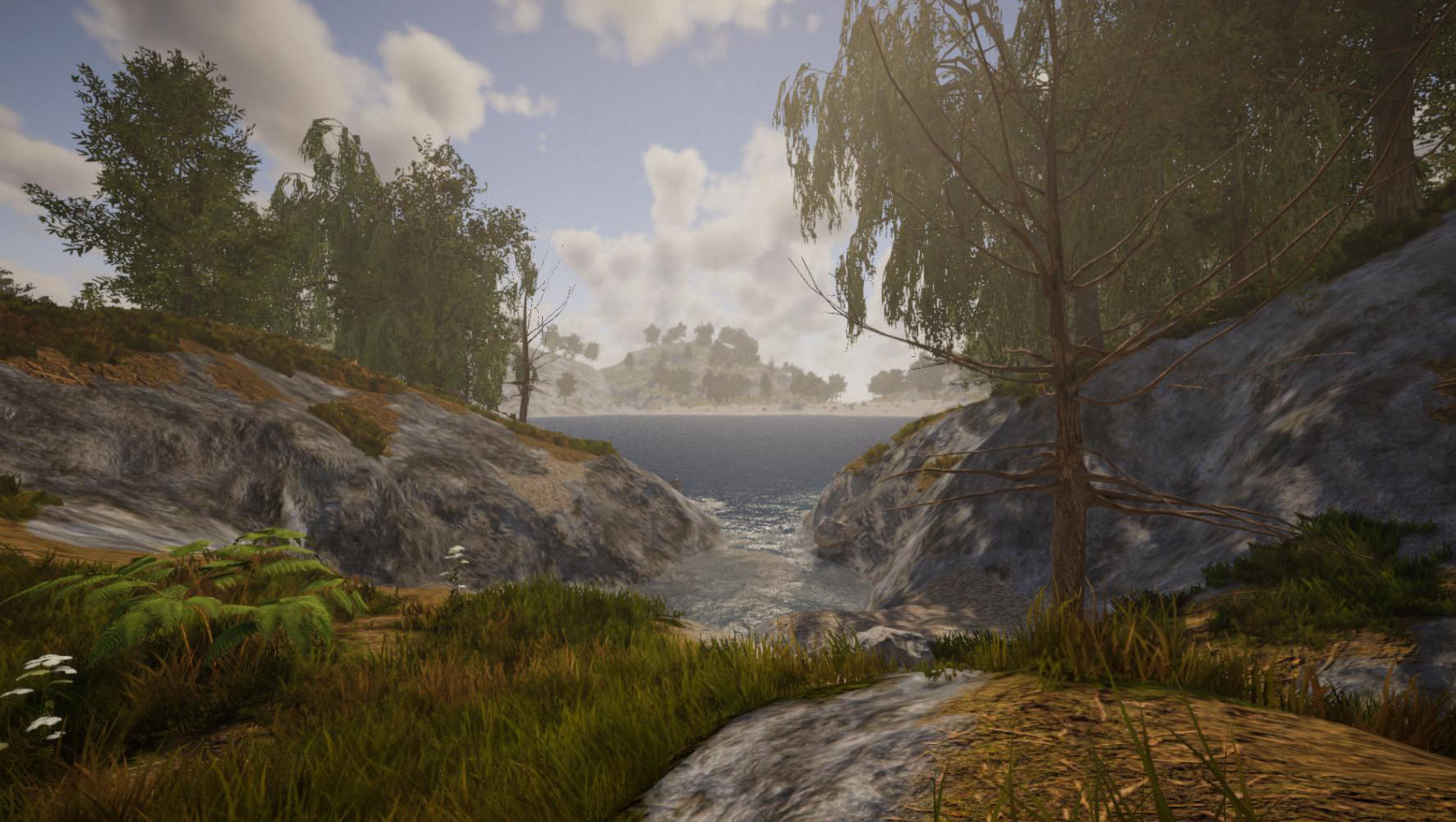
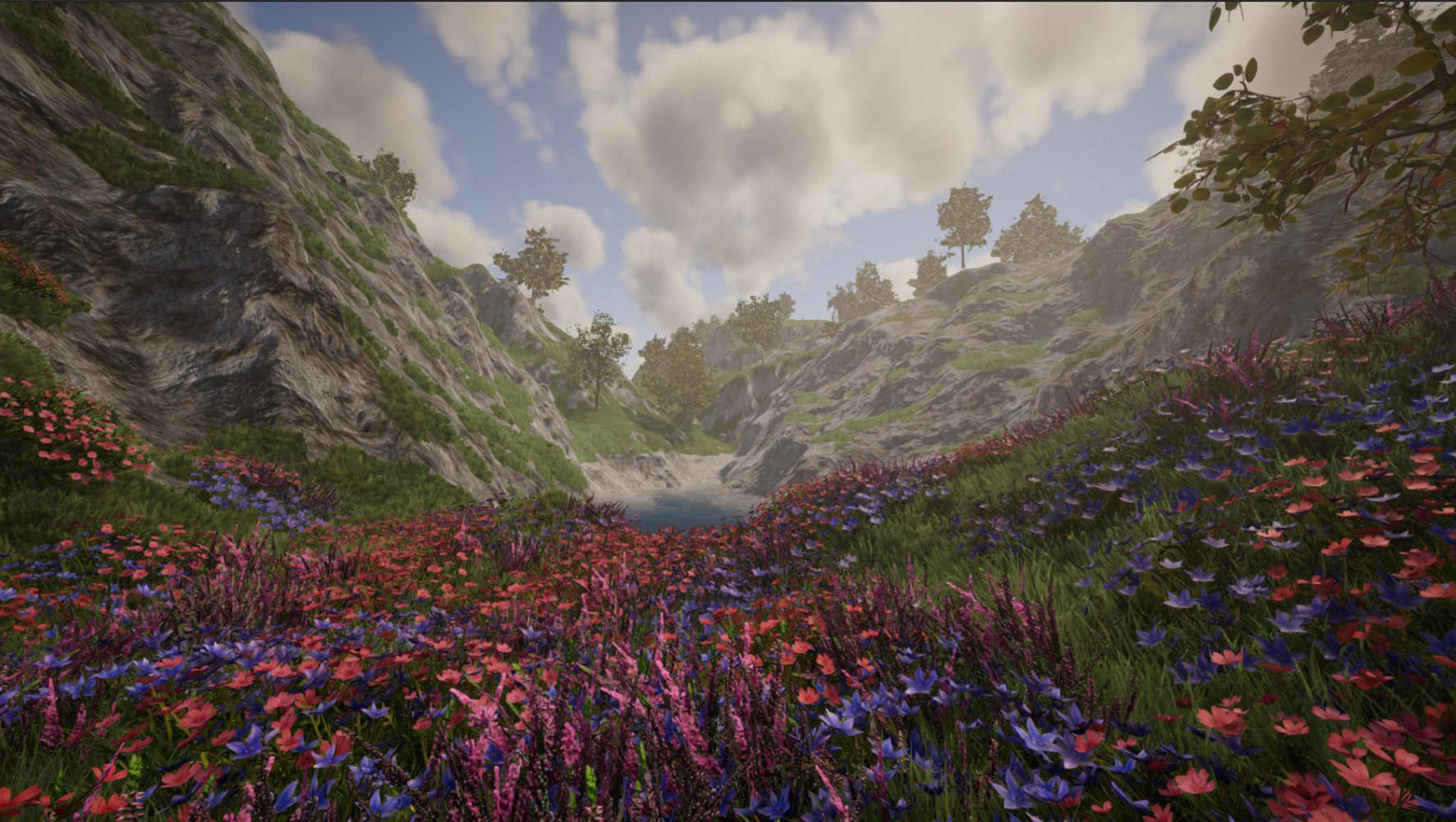
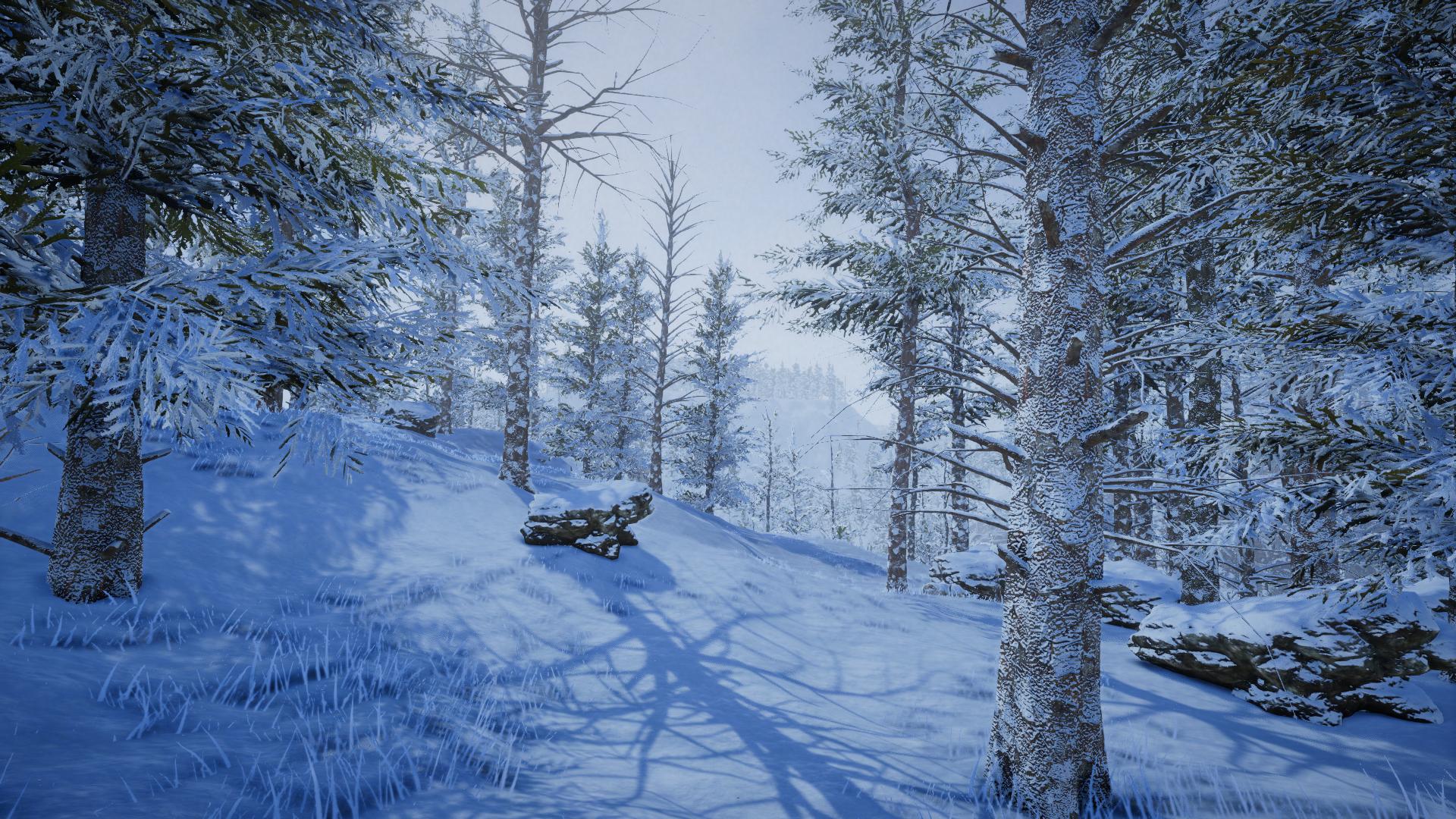
Verglichen mit der Java Version hat die neue Version einige Features erhalten, die in der Java Version noch nicht vorhanden waren, z.B. Jahreszeiten, fließendes Wasser, Crafting-Fortschritt und mehr.
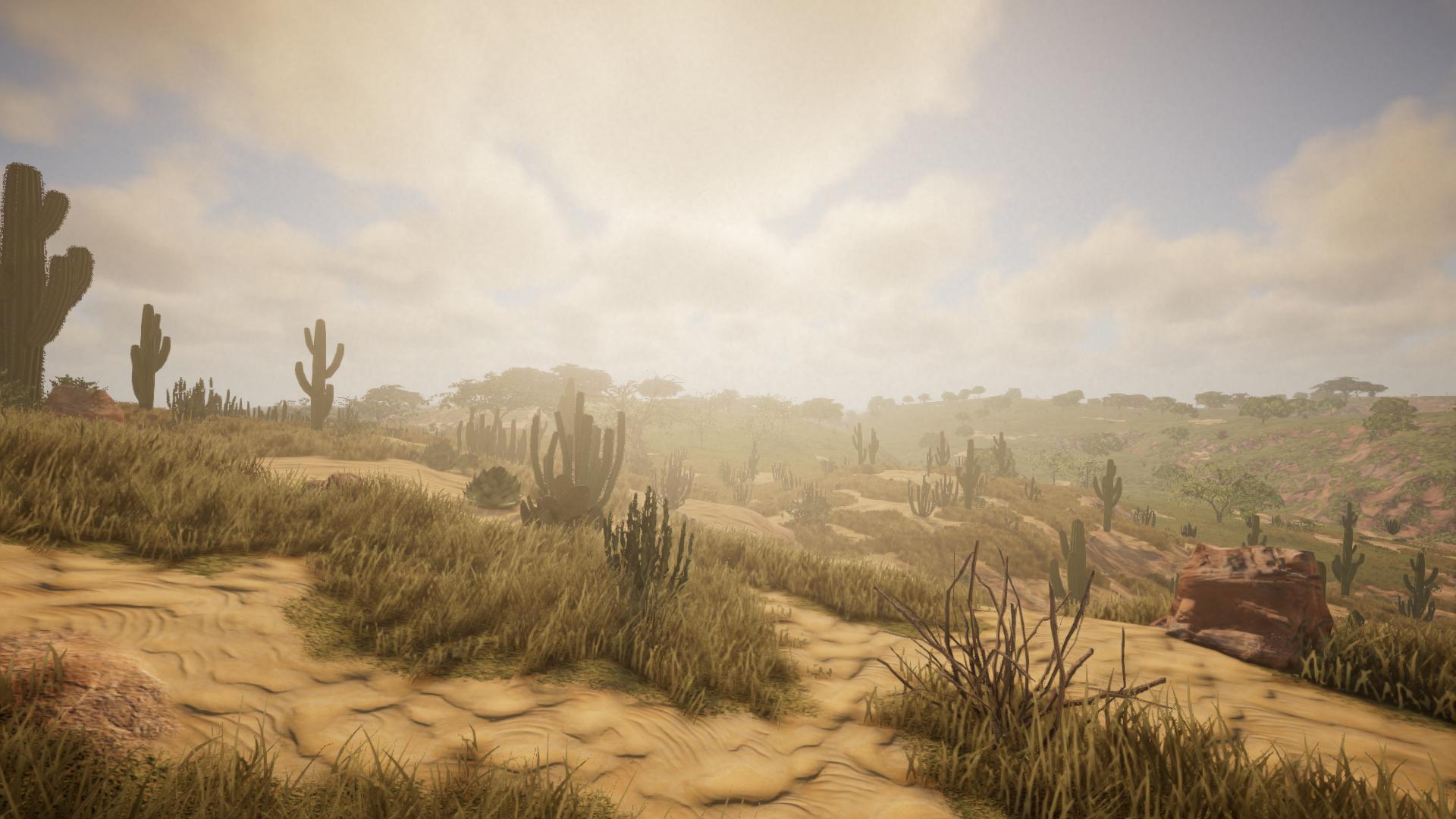
Die neue Version bietet auch mehr Biome, welche deutlich abwechslungsreicher sind als in der Java Version.
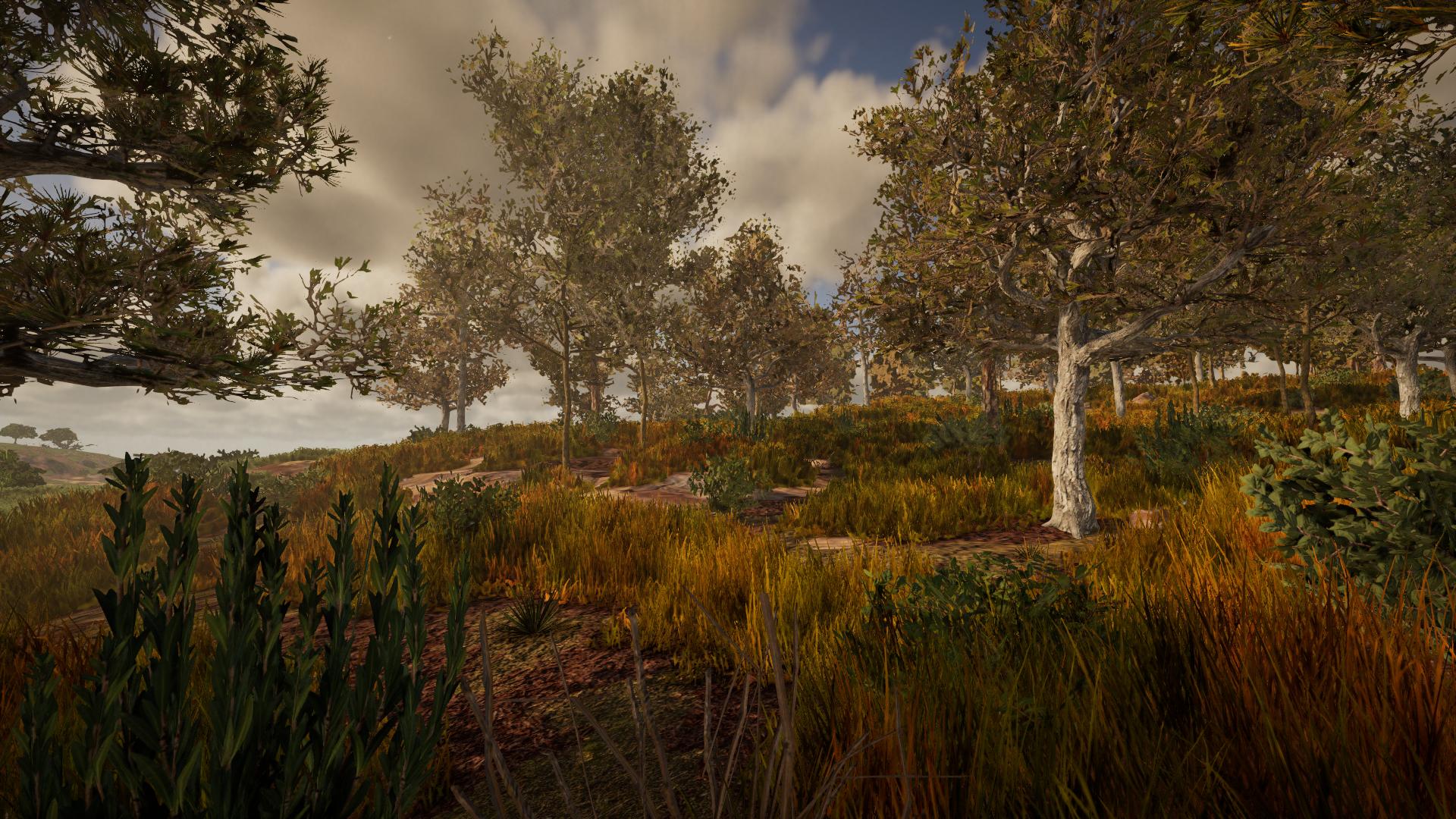
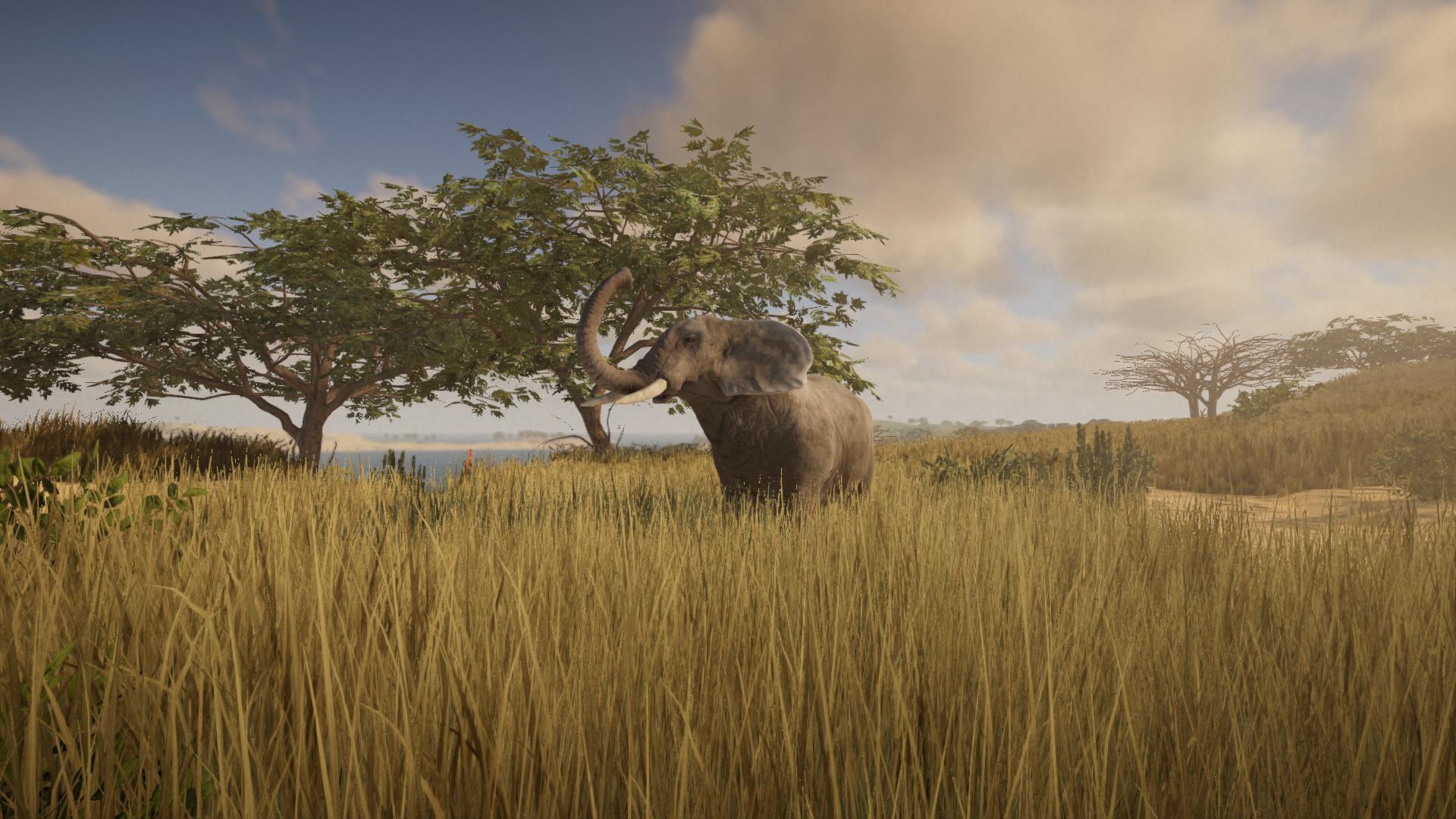

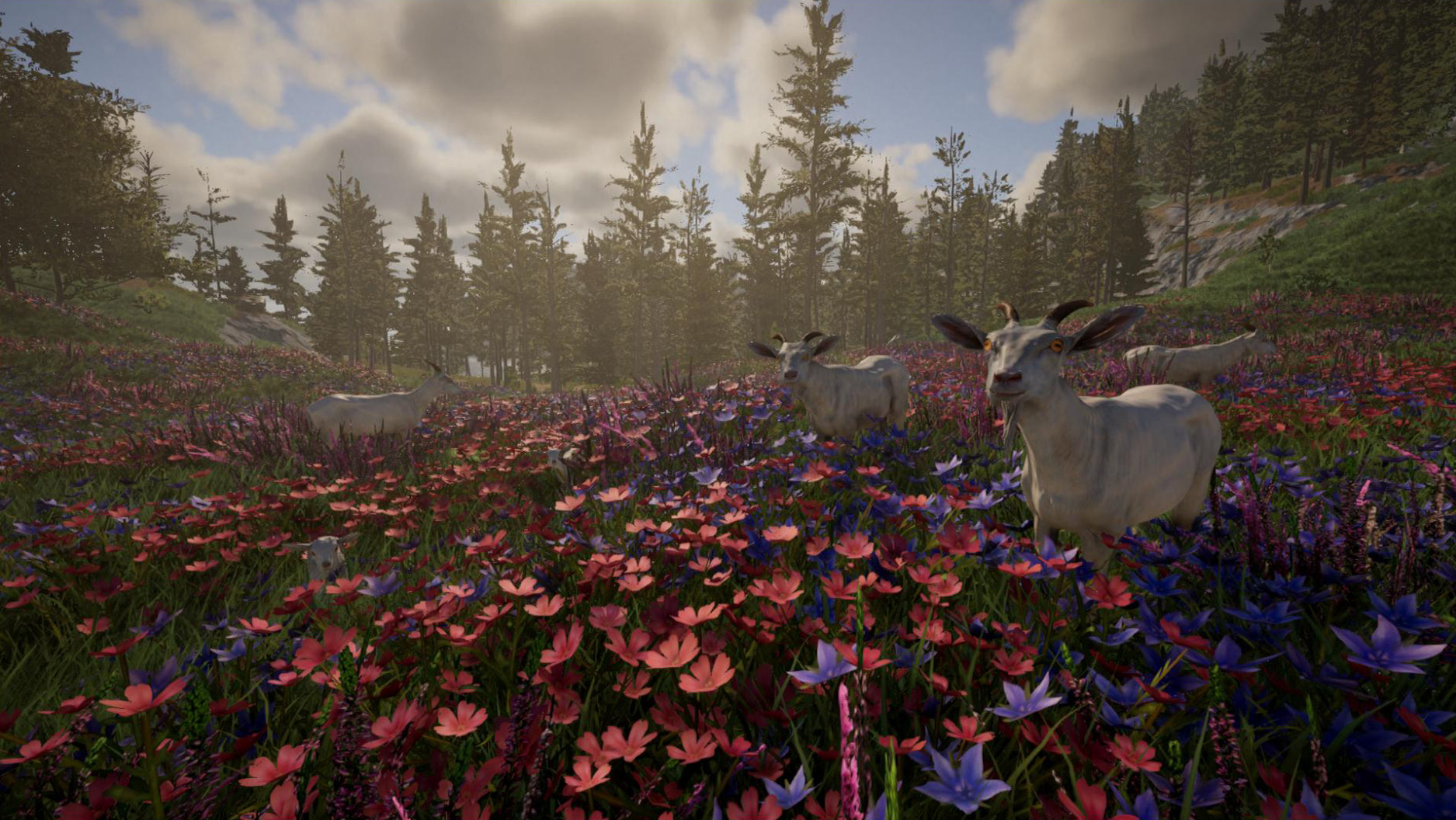
Während die neue Version nicht ganz die selben Tiere wie die Java Version hat, sind dennoch mehr Tiere vorhanden - und sie sind aufpolierter, vor allem hinsichtlich ihrer Animationen. Für die meisten Tiere haben wir nun männliche, weibliche sowie Baby-Varianten - damit sind Features wie Tierhaltung, Zucht und Zähmung in greifbarer Nähe.
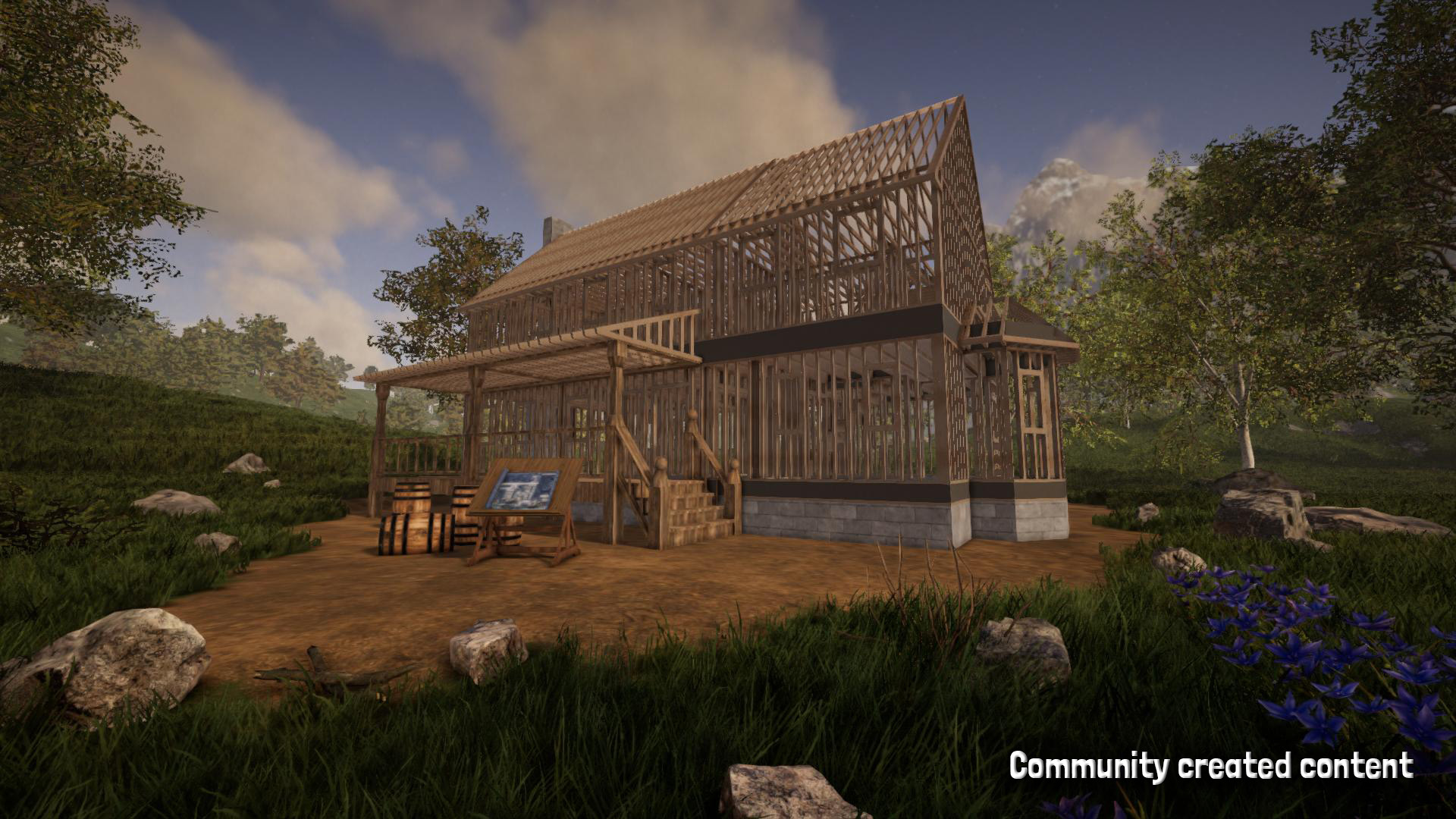
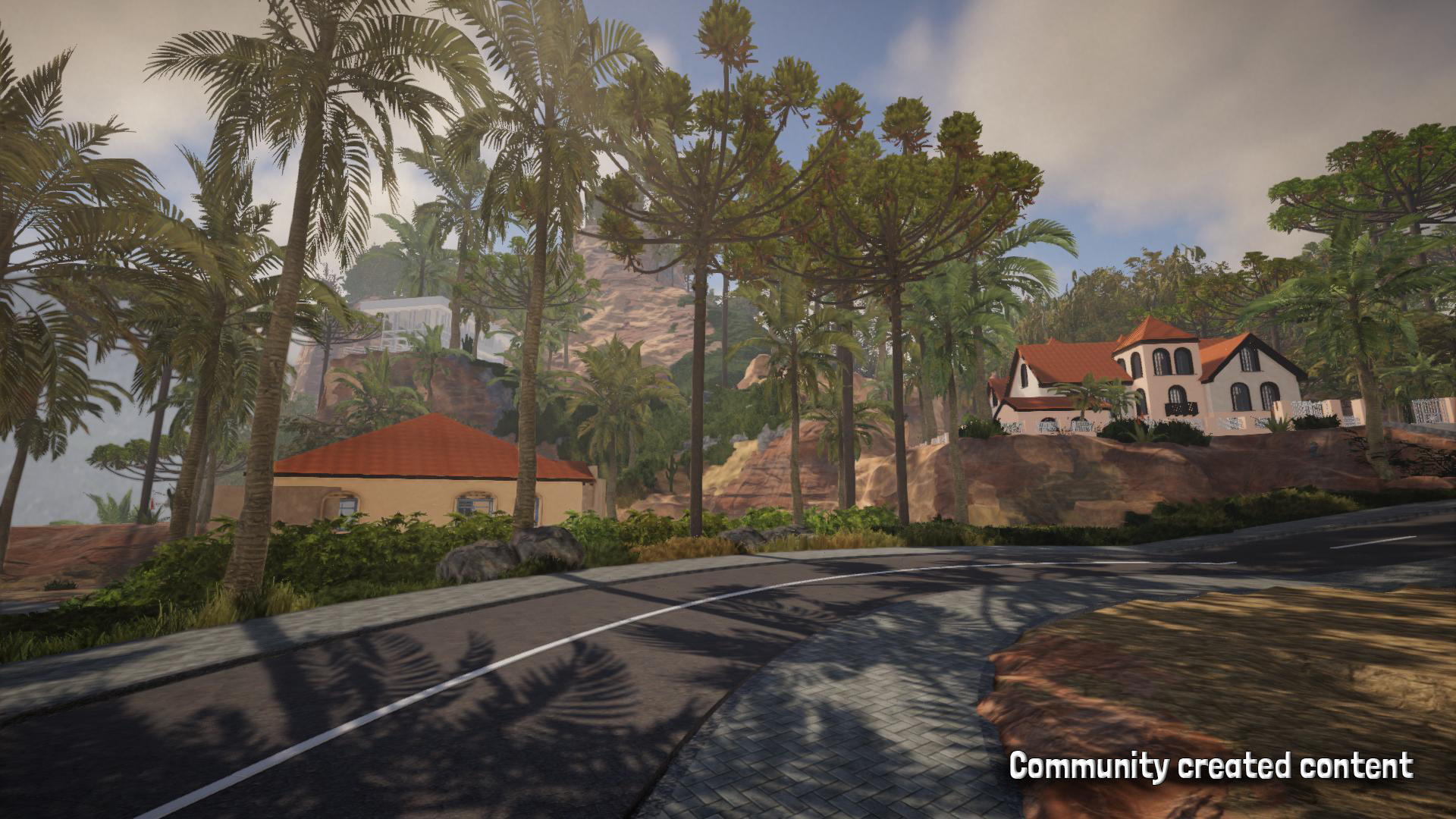
Zu guter letzt haben wir das Bausystem überarbeitet. Die neue Version bietet ein deutlich mächtigeres Bausystem als die Java version.
Jedes Bauelement kann frei skaliert, verschoben und gedreht werden - ohne Einschränkungen. Die neue Version bietet auch ein mächtiges Andock-Werkzeug, was vor allem bei der Erstellung abgerundeter oder gar organischer Flächen hilfreich ist.
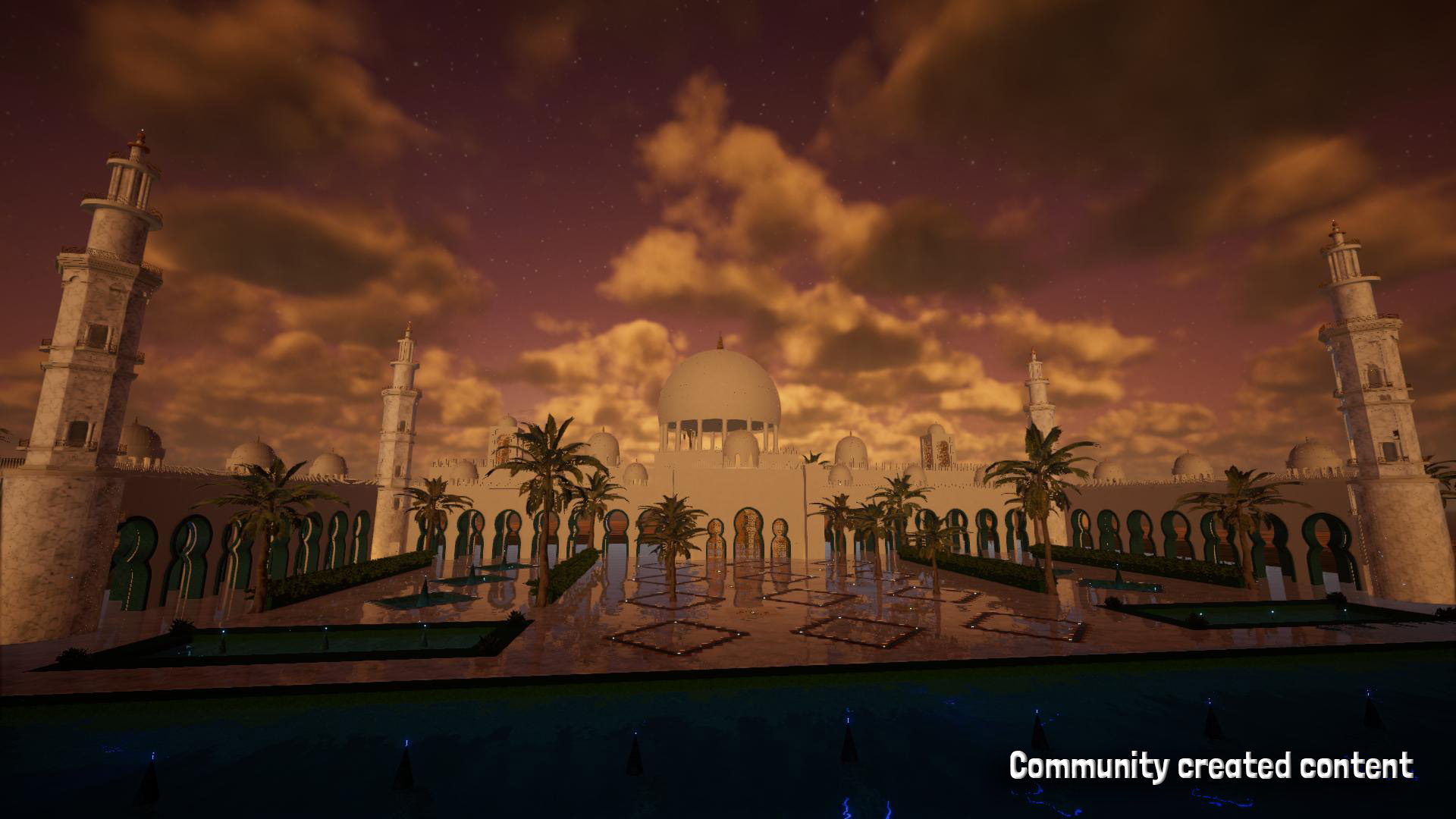
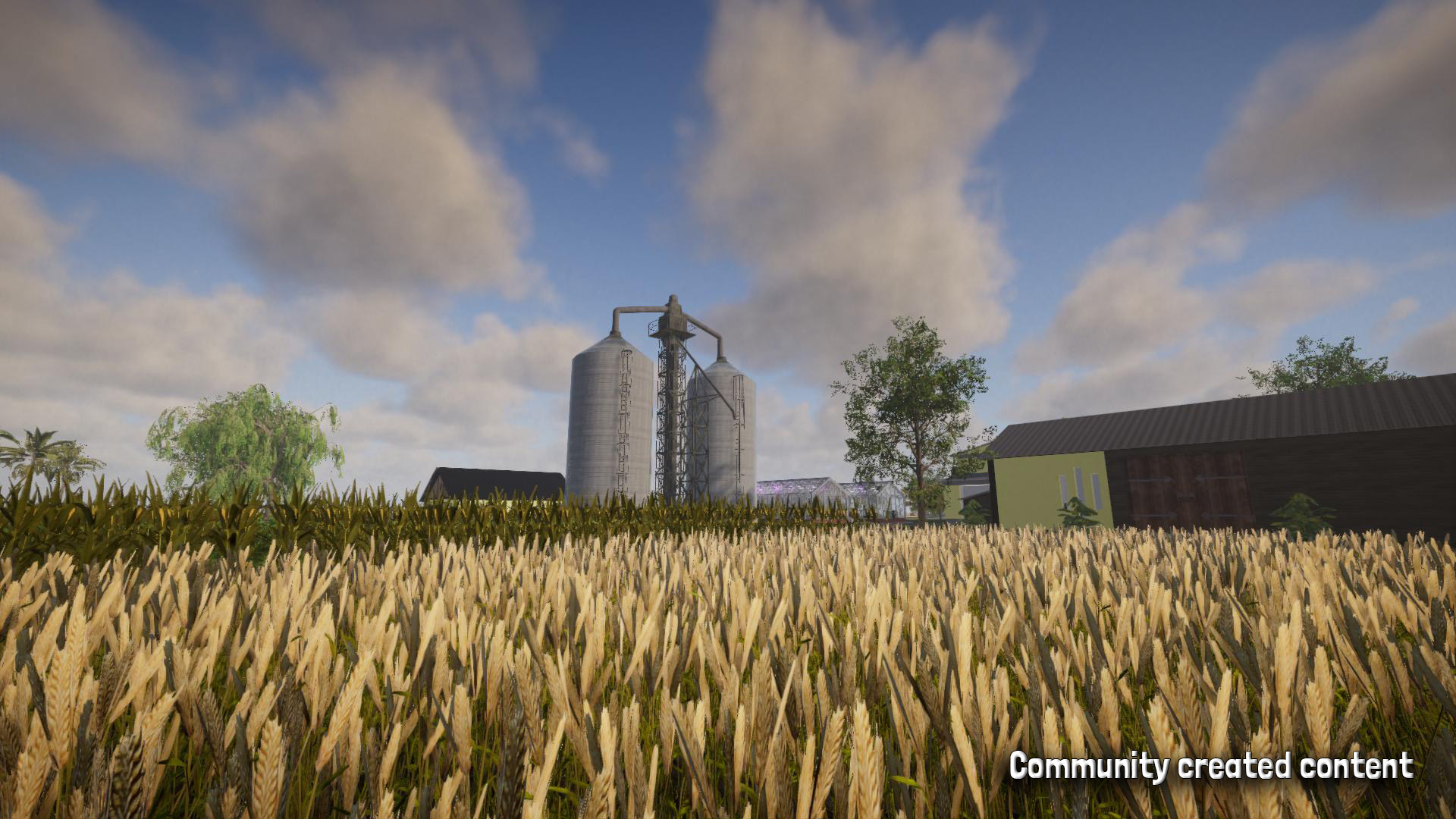
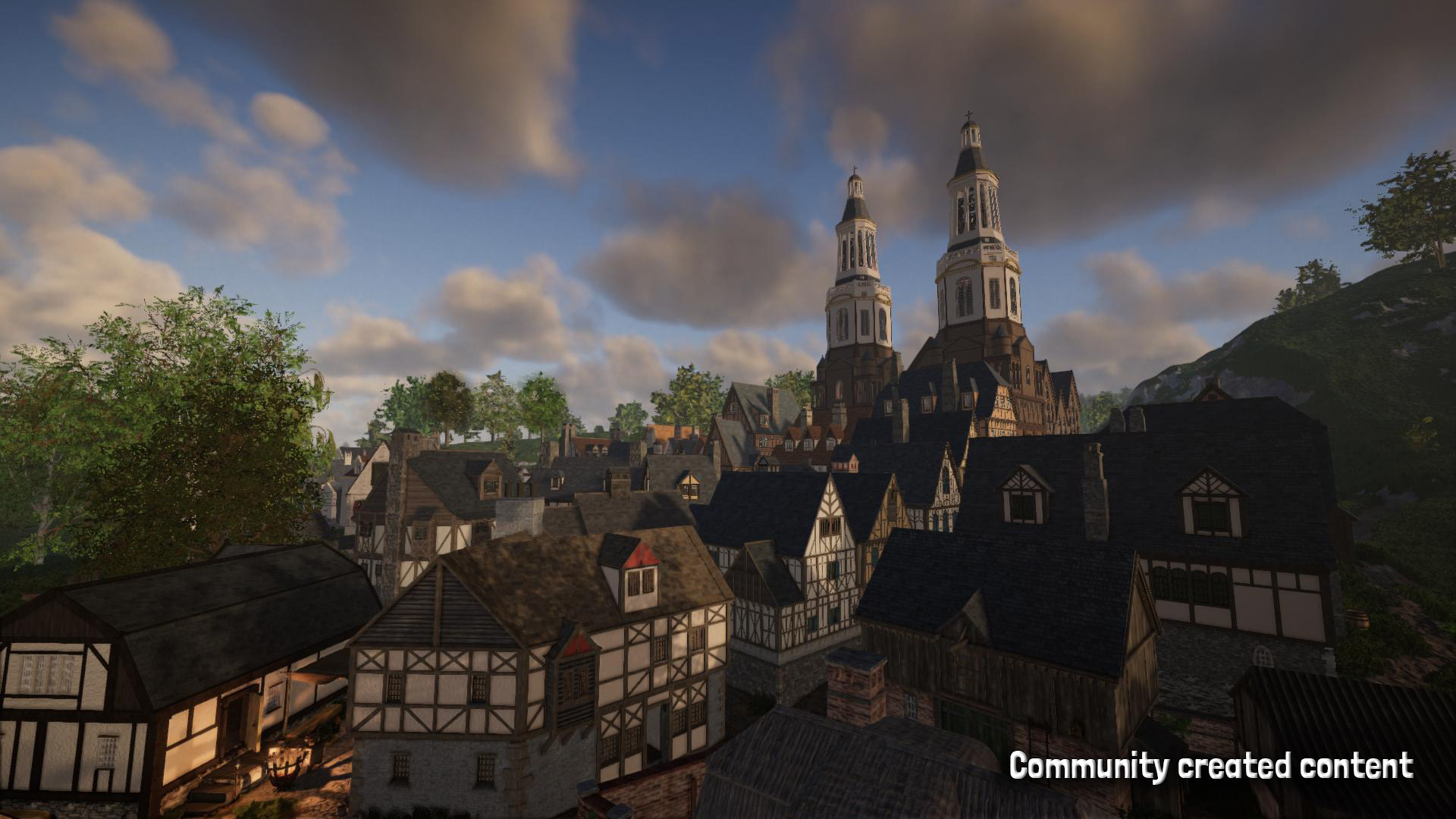
Mit diesem Update gab es auch ein paar kleinere Änderungen, in erster Linie jedoch kleinere Änderungen und Bugfixes. Den Changelog findet ihr hier:
Changelog 0.8.1 (31.01.2025):
- [Neu] Separate Lautstärke-Regler für verschiedene Soundarten hinzugefügt
- [Neu] Konsolenbefehl "togglemapmarkers" hinzugefügt, um Markierungen auf Karte ein- und auszublenden
- [Geändert] Verschieben einzelner Items (via rechte Maustaste oder Mausrad während Drag&Drop) funktioniert nun auch für Items in Kisten
- [Geändert] Kisten können nicht mehr aufgehoben werden, wenn sie Items enthalten
- [Geändert] Regenwürmer sind nun etwas einfacher zu erkennen
- [Geändert] Regenwürmer können nun auch spawnen, wenn es nicht regnet (beim Harken von Erde)
- [Geändert] Wenn man einen Regenwurm aus dem Inventar entfernt, spawnt dieser in der Welt
- [Geändert] Platzieren von Bacon auf dem Grill funktioniert nun besser
- [Geändert] Items können beim Platzieren auf dem Grill auch gedreht werden
- [Geändert] Es gibt nun eine "Alles nehmen" Option für den Grill sowie das Trockengestell (F gedrückt halten)
- [Geändert] Das Spiel legt Backups der eigenen Notizen im Journal an, wenn sie geändert werden
- [Geändert] Licht-Intensität der Helme mit Lampe/Lichtquelle erhöht
- [Behoben] Falsche Rotation von angebauten Pflanzen behoben
- [Behoben] Probleme mit der Darstellung des Rasters auf Bauelementen behoben
- [Behoben] Plötzliche Performanceprobleme behoben, wenn mehrere Npcs in der Nähe waren
- [Behoben] Audio- und Performanceprobleme behoben, wenn viele Wandfackeln (oder Standfackeln) verwendet wurden
- [Behoben] Falsche "pve" Berechtigung für Admins im Multiplayer korrigiert
- [Behoben] Behoben, dass das Rezept für Granaten nicht freigeschaltet wurde
- [Behoben] Behoben, dass manche Spielersounds über weite Distanzen hörbar waren (im Multiplayer)
Wichtige Features der Java Version, welche noch fehlen, sind Dungeons und Angeln. Letzeres wird mit dem nächsten Update ins Spiel kommen.
Bleibt gespannt! Falls ihr mehr Informationen über die Entwicklung erhalten wollt, könnt ihr gerne bei unserer Roadmap auf Trello vorbeischauen: https://trello.com/b/t5Leypcj/rising-world-development
-----
Technische Informationen
Mit diesem Update ändert sich die Ordnerstruktur des Spiels. Das hat Auswirkungen auf Spieler, welche das Spiel bereits zuvor gespielt haben. Keine Sorge: Alle Welten und Blaupausen sind nach wie vor da.
Information für Spieler die bereits die neue Version gespielt haben
Wenn du bereits die neue Version gespielt hast (d.h. wenn der Beta-Branch aktiv war), dann war die neue Version zuvor in einem separaten "_New Version" Unterordner installiert. Mit diesem Update jedoch wird die neue Version ins Hauptverzeichnis des Spiels installiert (/Steam/steamapps/common/RisingWorld).
Beim Start der neuen Version werden nun alle vorherigen Welten der Java Version in ein separates "_Java Version" Verzeichnis, und alle Welten sowie Blaupausen aus dem Ordner "_Neue Version" ins Hauptverzeichnis verschoben.
Wenn dabei etwas schiefgeht, wird im Hauptmenü eine Warnung angezeigt. In dem Fall ist es ggf. notwendig, die Spieldateien manuell zu verschieben.
Information für Spieler die weiterhin die Java-Version spielen wollen
Wenn du weiterhin die Java Version spielen möchtest, dann kannst du den "java - Legacy Version" Beta Branch aktivieren. Gehe dazu via Rechtsklick auf das Spiel in deiner Steam-Bibliothek, wähle "Eigenschaften", gehe zum "Betas" Tab und wähle dort den "java - Legacy Version" Branch aus (kein Code benötigt).
Damit wird die neue Version beibehalten, aber die Java Version in einem separaten "_Java Version" Unterordner installiert.
Wenn du möchtest, dass deine alten Welten und Blaupausen automatisch verschoben werden, starte die neue Version zumindest einmal kurz.
Wenn du die neue Version nicht starten kannst, kannst du die Ordner "Worlds", "Blueprints", "cache", "Map" und "Images" manuell in den "_Java Version" Unterordner verschieben. Optional kann auch die "config.properties" Datei verschoben werden, wenn du deine Einstellungen behalten möchtest.
Falls du auf Probleme stößt oder wenn du Fragen hast, erstelle bitte einen neuen Thread bei uns im Forum, dann werden wir gerne weiterhelfen.
Steam Cloud Save
Leider mussten wir mit diesem Update Steam Cloud Save erstmal deaktivieren. Das bedeutet, dass momentan gespeicherte Welten nicht mit anderen Computern synchronisiert werden. Welten werden auch nicht automatisch wiederhergestellt, nachdem Steam deinstalliert oder der Computer formatiert wurde.
Wir werden mit einem der nächsten Updates Unterstützung für die Steam Cloud für die neue Version einbauen.
-------------------
Hotfix (01.02.2024):
- [Behoben] Problem behoben, wodurch der Spieler kein Fleisch essen konnte
- [Behoben] Behoben, dass Erdblöcke (einschl. Ackerboden-Blöcke) nicht herstellbar waren
- [Behoben] Behoben, dass die Ingame-Karte auf manchen Grafikkarten geflackert hat (Feedback benötigt)
- [Behoben] Darstellungsprobleme in der Konsole behoben, wenn "commands" eingegeben wurde
- [Behoben] Fehlerhafte Größe der Kanalabdeckungen korrigiert
Hotfix (01.02.2024):
- [Neu] Lautstärke-Regler für Essensgeräusche des Spielers hinzugefügt
- [Behoben] Behoben, dass Items am Schleifstein teilweise nicht repariert werden konnten
- [Behoben] Sporadischen Fehler beim Ausrüsten großer Blaupausen behoben
Hotfix (03.02.2024):
- [Neu] Einstellung hinzugefügt, um Steam Freundesliste im Hauptmenü zu deaktivieren
- [Geändert] Modell der weiblichen Spielerfigur minimal angepasst
- [Behoben] Sporadische Performanceprobleme bis hin zum Crash behoben, wenn mehrere Boote vorhanden waren (meist im Multiplayer)
- [Behoben] Problem behoben, dass Hintergrund-Musik im Multiplayer manchmal doppelt abspielte, wenn man einen hohen Ping hat






 Er wird wohl die Parameterangaben als Richtext interpretieren... ich werde das mit dem nächsten Hotfix anpassen^^



 We've done that to prevent spam bots from adding spam links to their profile (many of them tend to only update the "About Me" section, but never post anything in the forums). For this reason it's now necessary to create 1-2 posts in the forum in order to unlock the "About Me" section

 Der löscht die neue Version. Der Beta Branch ist nur für die Leute gedacht, die die neue Version nicht nutzen wollen.

 die flimmert jetzt










 Tritt das erst seit dem Update auf? Ansonsten ist ein eigenes Thema dazu passender...